Getting Started with A/B Testing: How to Set Up Your First Discount Experiment
 By Muhammed Tüfekyapan

You have been running discount campaigns, but you are not sure if your offer strategy is working as well as it could. Is 10% the right discount? Would 15% convert more visitors? Should your timer run for 15 minutes or 30?
These questions keep many Shopify merchants stuck in a cycle of guesswork. The good news: you can answer them with data. Growth Suite's A/B Testing module lets you run controlled experiments on your discount campaigns, so you can discover what actually works for your store.
This guide walks you through setting up your first discount experiment, step by step.
Before You Begin: What You Need
Setting up an A/B test in Growth Suite takes just a few minutes. Before you start, make sure you have:
- An active Trigger Campaign: A/B Testing works with your existing Trigger Campaigns. If you have not created one yet, set up a basic campaign first.
- A clear question to answer: The best tests start with a specific hypothesis. For example: "Will a 10-15% discount convert better than a 5-10% discount?"
- Enough traffic: A/B tests need visitors to produce meaningful results. If your store receives consistent daily traffic, you are ready to test.
Once you have these elements in place, you can launch your first experiment.
Step 1: Access the A/B Testing Module
Growth Suite makes it easy to find the testing controls. Here is how to get started:
- Open your Growth Suite dashboard.
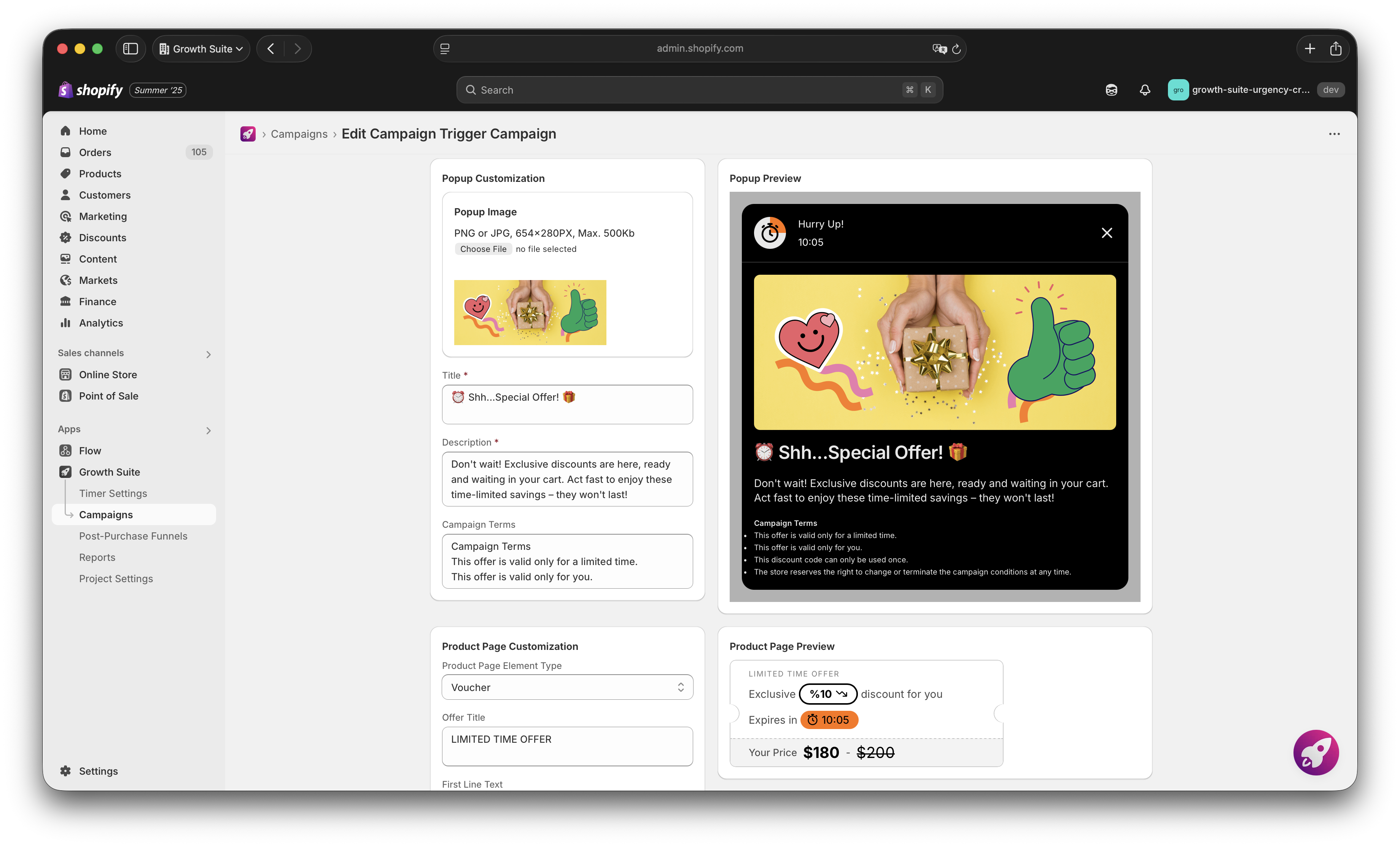
- Navigate to the Trigger Campaign you want to test.
- Click the "A/B Testing" button directly from the Campaign Details page.
That is it. The A/B Testing module opens, and you are ready to configure your experiment. No separate tools. No complicated setup screens. Everything is accessible from within your existing campaign.
Step 2: Choose Your Primary Goal
Every effective test starts with a clear objective. Growth Suite asks you to select a primary Key Performance Indicator (KPI) before you begin. This ensures the system knows how to identify a winner.
Your options:
- Conversion Rate (CR): Choose this if you want to maximize the number of visitors who complete a purchase. This is ideal when customer acquisition is your priority.
- Average Order Value (AOV): Choose this if you want to encourage larger cart sizes. This works well when you have healthy traffic but want to increase revenue per order.
- Total Revenue: Choose this to find the balance between conversion volume and order value. This is a good starting point if you are unsure which metric matters most.
Select the KPI that aligns with your current business goal. You can always run different tests with different objectives later.
Step 3: Create Your Test Variants
Now comes the core of your experiment: defining what you want to test. Growth Suite gives you granular control over each variant group.
For each variant, you can set:
Discount Percentages
Define the minimum and maximum discount range for each variant. For example:
- Variant A: 5% to 10% discount
- Variant B: 10% to 15% discount
This lets you test whether a higher discount actually converts better, or if a smaller discount performs just as well while protecting your margins.
Offer Duration
Set the minimum and maximum time limits for each variant. For example:
- Variant A: 10 to 15 minutes
- Variant B: 20 to 30 minutes
This helps you understand how urgency affects conversion. Does a shorter timer create more pressure to buy? Or does a longer window give hesitant shoppers the time they need?
Traffic Distribution
Decide what percentage of visitors should see each variant. For a fair test, split traffic evenly (50/50). If you want to be more cautious, you can allocate 70% to your current strategy and 30% to the new variant.
Take your time with this step. Clear, distinct variants produce clearer results.
Step 4: Launch Your Test
Once your variants are configured, review your settings:
- Is your primary KPI selected?
- Are your discount ranges distinct enough to produce meaningful differences?
- Is your traffic distribution set correctly?
When everything looks right, launch your test. Growth Suite immediately begins splitting your traffic and distributing offers according to your rules.
From this moment, the system handles everything automatically. You do not need to manage traffic allocation manually or worry about which visitors see which offer.
Step 5: Monitor Results in Real-Time
After your test goes live, Growth Suite tracks performance continuously. You can check your dashboard at any time to see:
- Conversion Rate for each variant
- Average Order Value for each variant
- Total Revenue generated by each variant
Watch these numbers update as data flows in. Over time, patterns will emerge. One variant will start to pull ahead, showing you which combination of discount and urgency works best for your audience.
A word of patience: Let your test run long enough to collect meaningful data. Declaring a winner too early can lead to incorrect conclusions. Wait until you have enough conversions to feel confident in the results.

What to Do After Your First Test
Completing your first A/B test is just the beginning. Here is how to build on what you learn:
- Implement the winner: Once you have a clear winner, update your campaign to use the winning discount and duration settings for all visitors.
- Run a follow-up test: Narrow down further. If 10-15% beat 5-10%, test 10-12% against 13-15% to find the precise sweet spot.
- Test different variables: After optimizing discount depth, test offer duration. Or test how different visitor segments respond to different offers.
- Document your learnings: Keep a simple record of what you tested and what you learned. Over time, this builds a knowledge base specific to your store and audience.
Every test makes your next campaign smarter. Every data point strengthens your discount strategy.
Why This Matters for Your Business
Running A/B tests on your discount campaigns helps you:
- Find your minimum effective discount — the smallest offer that still converts, protecting your profit margins.
- Understand your customers — learn how they respond to urgency and value.
- Make confident decisions — stop wondering if your discount strategy is right and start knowing.
- Improve ROAS — when your offers convert better, every advertising dollar works harder.
For a deeper understanding of how A/B Testing fits into your overall discount optimization strategy, read our complete guide: A/B Testing for Shopify Discount Campaigns: Optimize Offers with Data, Not Guesswork.
Ready to Run Your First Experiment?
You now have everything you need to set up and launch your first A/B test in Growth Suite. The process is straightforward:
- Access the A/B Testing module from your Trigger Campaign.
- Choose your primary KPI.
- Define your test variants with specific discount and duration ranges.
- Set your traffic distribution.
- Launch and monitor results.
Your discount strategy does not have to be based on assumptions. With Growth Suite's A/B Testing, you can replace guesswork with evidence — and build a discount approach that truly works for your store.
Stop Losing "Maybe Later" Sales
Start converting your Browse visitors into customers with smart, perfectly-timed offers. It takes less than 60 seconds to launch your first campaign.
Muhammed Tüfekyapan
Founder of Growth Suite
Muhammed Tüfekyapan is a growth marketing expert and the founder of Growth Suite, an AI-powered Shopify app trusted by over 300 stores across 40+ countries. With a career in data-driven e-commerce optimization that began in 2012, he has established himself as a leading authority in the field.
In 2015, Muhammed authored the influential book, "Introduction to Growth Hacking," distilling his early insights into actionable strategies for business growth. His hands-on experience includes consulting for over 100 companies across more than 10 sectors, where he consistently helped brands achieve significant improvements in conversion rates and revenue. This deep understanding of the challenges facing Shopify merchants inspired him to found Growth Suite, a solution dedicated to converting hesitant browsers into buyers through personalized, smart offers. Muhammed's work is driven by a passion for empowering entrepreneurs with the data and tools needed to thrive in the competitive world of e-commerce.
Explore More Features
Discover other powerful Growth Suite features to optimize your Shopify store

A/B Testing for Shopify Discount Campaigns: Optimize Offers with Data, Not Guesswork
Stop guessing your discount strategy. A/B test Shopify offers to optimize for CR, AOV, or revenue. Real-time tracking. Launch tests in minutes.

Granular Product Exclusions: Full Control Over What Gets Discounted
Control exactly which products get discounted. Exclude by vendor, title, or sale items. Cap discount amounts and protect your margins effortlessly.

Advanced Discount Controls: Maximize Conversions, Protect Your Profits
Protect profits with smart discount rules. Exclude by vendor, prevent double-discounting, set max limits.